Practical guide
Get an image under 100 KB for an online form
Open the 100 KB compressor →An image can meet a 100 KB limit and still be rejected for its format or dimensions. Check the form’s full requirements, compress a suitable original, then inspect the downloaded file.
Start with the form’s requirements
Look for the allowed file types, maximum and minimum file size, and required width and height. Follow the instructions for your actual application. A job form, exam application and passport portal can require different files.
It measures how much data the image uses.
A 630 × 810 image can have different file sizes at different compression settings.
- Open the 100 KB image compressor and choose your image.
- Leave the 100 KB target selected and choose Compress to 100 KB.
- Check the result and use Download image. Keep the original.
- Choose that new download when returning to the form. Confirm that small text and important details remain readable.
FileMelon’s target means at or below its limit, not an exact number of bytes. Portal rounding and units can differ; follow the limit the portal displays and leave some room below it.
A real compression test
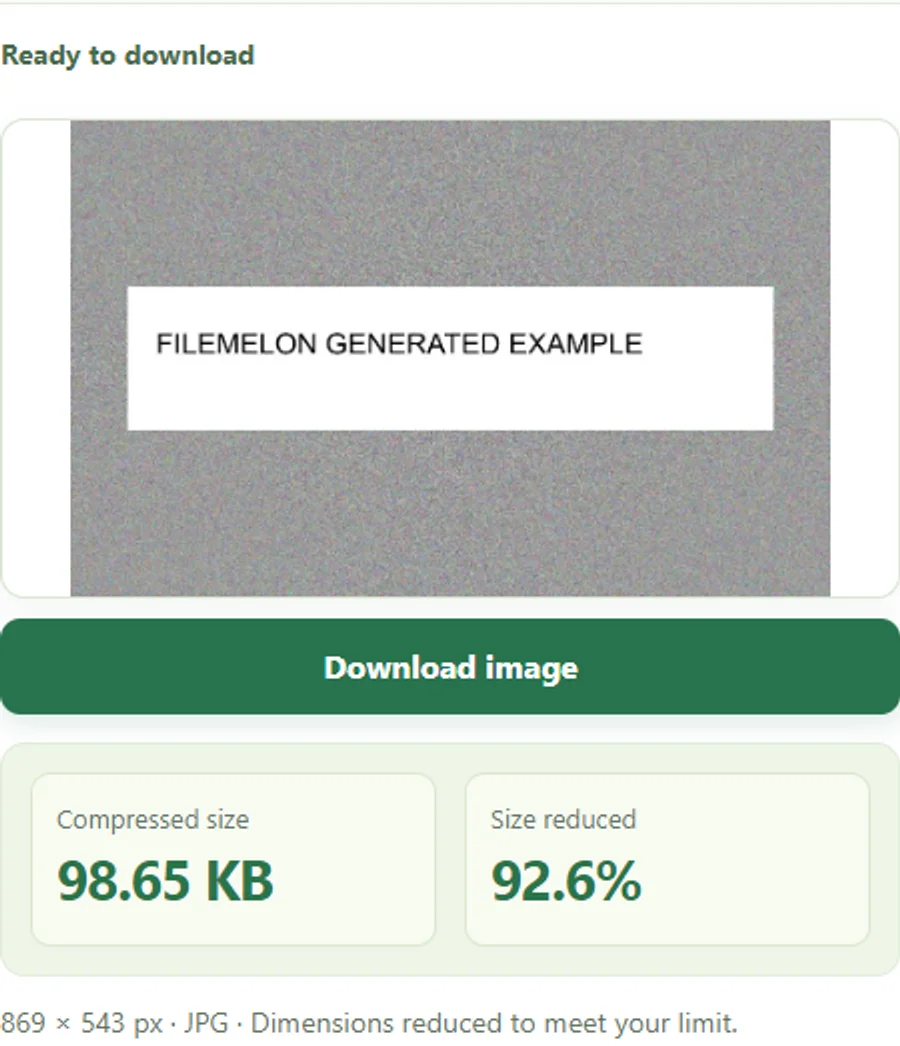
We used a generated sample image with fictional text, ran it through this tool and inspected the exported JPG. The figures below are measurements of that test, not a promise for every image.
Under the limit, but still rejected?
- Wrong format
- Check whether the form wants JPG/JPEG or PNG. Renaming an extension does not convert an image.
- Wrong dimensions
- Use Image information to check width and height. Use Resize image only if resizing is allowed.
- A minimum size applies
- Some forms specify a range. A smaller file is not automatically acceptable.
- The original was chosen again
- Find the newly downloaded file in Downloads and check its size before selecting it.
- The image looks damaged or unreadable
- Start from a clearer original. Reducing file size cannot restore missing detail.
For passport, visa and other official photos, first check whether conversion or resizing is permitted. This compressor does not certify compliance, validate faces or guarantee acceptance.
Your file stays on your device
The compressor reads and processes the selected image in your browser. FileMelon does not receive its contents or filename. Your browser still downloads the website and its processing assets.
Need a different ceiling? Try 50 KB or 200 KB. Check your actual destination’s rules first.